Bring your footage
Upload a recording or a set of takes. Keep your source clips together, with the originals intact.
 StorylensSupportReviews
Remove pauses, shape your cuts and build finished videos in StoryLens Studio.
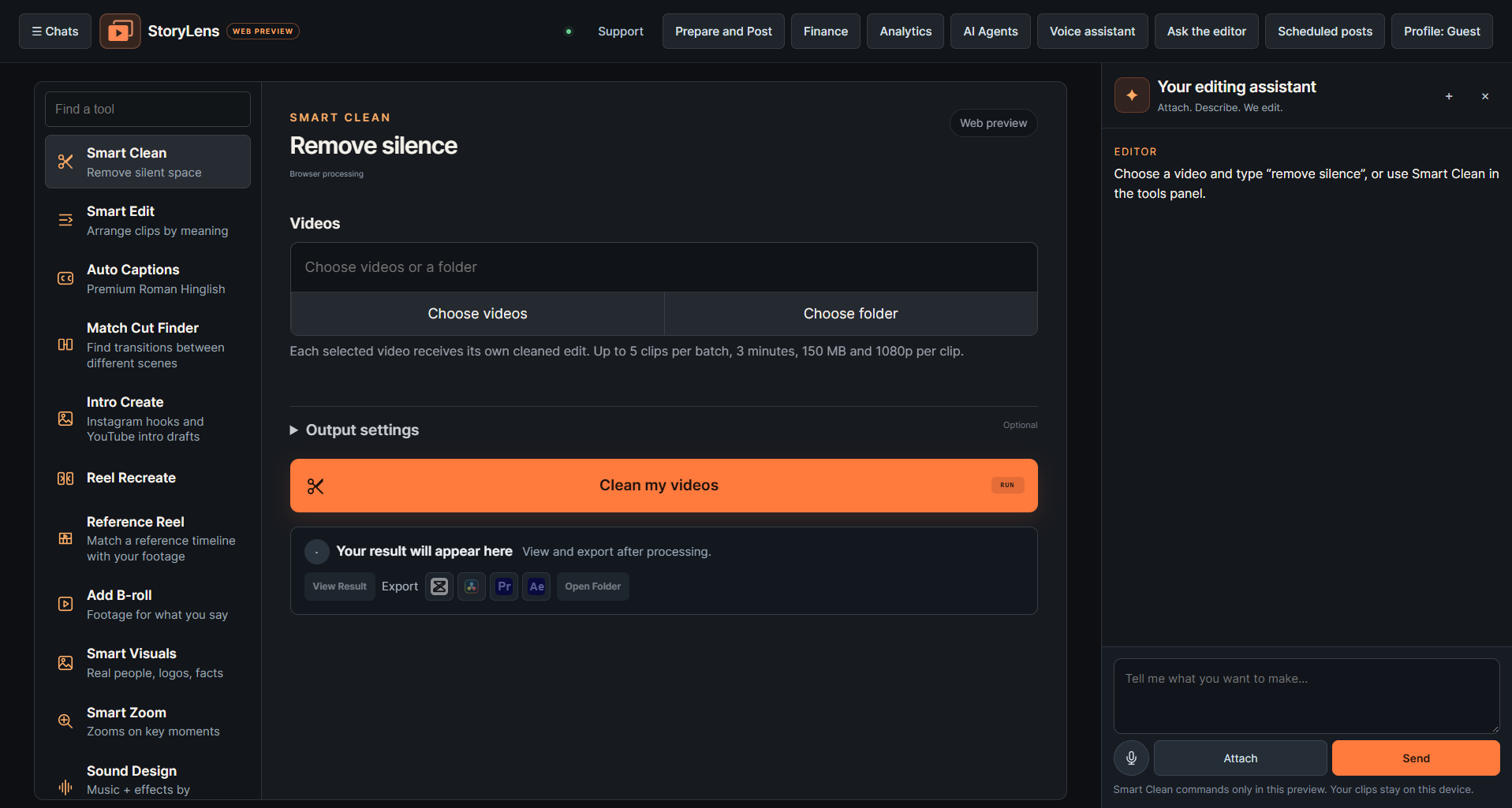
Smart Clean runs in the web preview. The full editing suite runs in the desktop app.
Explore the latest editing, publishing and creator tools. Each listing shows where it runs.
Find visual transitions between different shots.
DesktopBuild a reel hook or YouTube intro.
DesktopMatch a reference timeline with your footage.
DesktopFind moving shots and edit their speed points.
DesktopRebuild a reference reel with editable layers.
DesktopHighlight names, scores and other key phrases.
DesktopMove work between Premiere, After Effects, Resolve and CapCut.
DesktopUse editable grading nodes in Resolve.
DesktopReview test calls and their evidence.
DesktopReview connected channel performance.
DesktopOpen the creator agent workspace.
DesktopShape the same trip footage into a cinematic cut, a story about what happened, and a route guide.
In developmentStart with your recordings. Choose the edit you need. Review the result before you share it.
Upload a recording or a set of takes. Keep your source clips together, with the originals intact.
Remove pauses, arrange takes against your script, add captions or extract highlights from a longer video.
Check the finished edit and download your video. Stay in control of what goes on your channel.
Explore the workspace, switch caption styles and see how source clips and finished exports fit together.
Open the editor preview Some stories deserve
The same local editing engine. Two ways to work.
Run Storylens as a standalone workspace on your Windows computer. Your editing runs locally, using your own CPU and GPU.
Included in your subscriptionUse panels and scripting integrations in After Effects, Premiere Pro and DaVinci Resolve Studio. Share one local runtime across the three editors.
Included in your subscriptionHost versions and signed installer availability are checked before release.
One subscription. Desktop and Editor Plugins included. ₹2,000 monthly or ₹20,000 annually.
For your current projects.
₹2,000/ month
One month of access. Manual renewal.
Choose monthlyFor a year of creating.
₹20,000/ year
₹1,667 per month equivalent, billed annually.
Choose annualPayments remain disabled until merchant verification, email delivery, signed releases and device activation are connected. Annual billing is fixed-term with manual renewal. Desktop and Editor Plugins are both included in one subscription.
Try pause removal and download an edit in the free Smart Clean browser beta. The public tour shows the other tools. Desktop and editor plugin access is separate.
The existing editor supports Hindi, English and Roman Hinglish workflows. Caption text remains editable so you can correct names and wording before sharing.
Desktop and plugin edits run on your own Windows computer. The website manages your account, purchase and device activation. Heavy AI tools depend on your CPU, RAM, GPU and installed models. Optional cloud rendering requires a separately configured service.
No. This billing release gives you one month or one year of access, with manual renewal. Automatic renewal requires a separate recurring-payment setup.
The desktop project includes Publishing Studio. Shared SaaS publishing requires a separate account-connection and consent flow, so it is not active in this website release.
Customer files are kept separate, and ownership is checked before serving downloads. Retention, deletion and support details must be finalised before opening the service.
Explore the workspace before choosing your plan.